Waiting for your physical paper bill to arrive can be incredibly stressful, especially when the due date is fast approaching. Fortunately, you do not have to wait for the mail carrier anymore. By using the digital services provided by the Faisalabad Electric Supply Company, you can access your electricity statement instantly from your smartphone or computer.
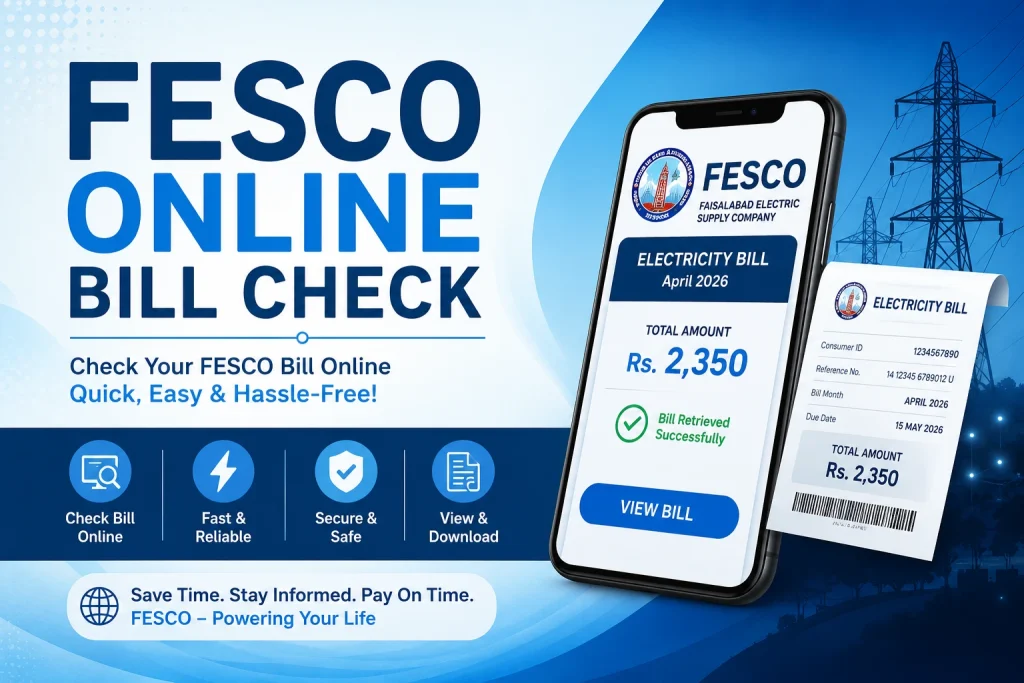
CLICK HERE TO CHECK NOW
This comprehensive guide will walk you through the entire process of checking, downloading, and understanding your bill online, ensuring you never miss a payment deadline again.
What You Need Before Checking Your Bill
Before you open the tracking portal, you need to gather a specific piece of information from a previous month’s statement. The online system relies entirely on this identifier to locate your account data securely.
Understanding the 14-Digit Reference Number
The primary key to accessing your account online is a unique 14-digit reference number assigned to your power connection. This number acts like your personal account number. It contains specific codes that identify your sub-division, category, and exact home address.
Where to Find the Reference Number on an Old Bill
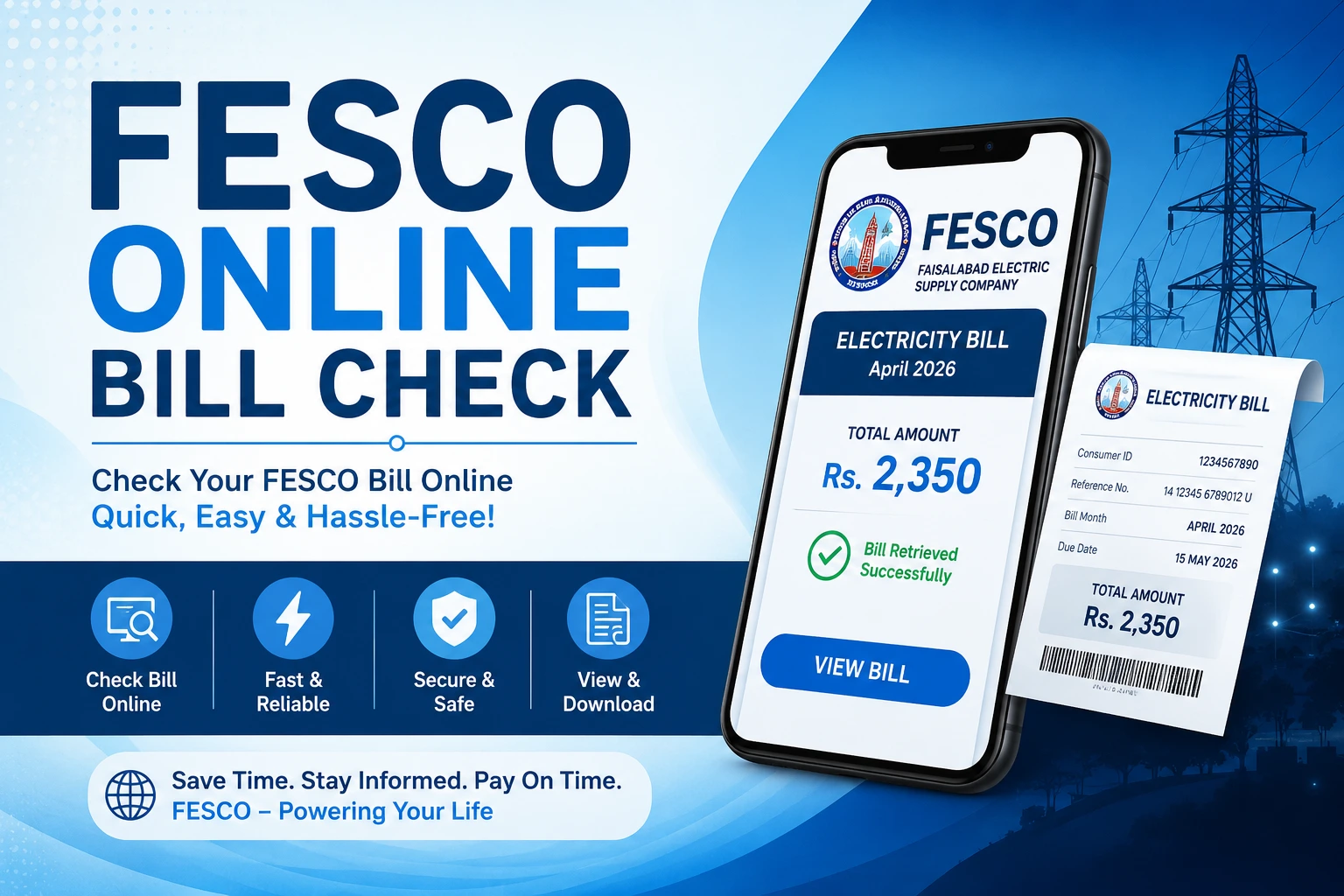
If you look at an old hard copy of your electricity statement, direct your attention to the top-left section. You will find a dedicated box clearly labeled REFERENCE NO. It typically looks like a string of numbers formatted with spaces or letters, such as 12 34567 8901234 U. When you type this into the online portal, you will enter the numbers consecutively without spaces.
Difference Between Reference Number and Consumer ID
Many users confuse the Consumer ID with the Reference Number. While both appear on your paper document, they serve different purposes. The Consumer ID is a shorter 10-digit number used primarily for mobile banking payments. However, the official web portal requires the 14-digit Reference Number to display your detailed duplicate bill.
How to Check FESCO Bill Online
The online tracking process is straightforward and takes less than two minutes. Follow these simple steps to view your statement immediately.
1.Visit the Official Portal:Step 1.
Open your internet browser and navigate to the official FESCO online billing website or dedicated duplicate bill portal. Avoid third-party websites that look suspicious.
2.Enter Your Reference Number:Step 2.
Locate the input box on the screen. Carefully type your 14-digit reference number into the field. Make sure there are no spaces or accidental dashes, and double-check the digits for accuracy.
3.Generate and View Your Bill:Step 3.
Click the ‘Submit’ or ‘View Bill’ button. The system will process your request instantly and open a complete digital version of your current monthly electricity statement in a new window.
Alternative Ways to Check Your FESCO Bill
If you do not have a stable internet connection to load the full portal, you can use several alternative digital methods to stay updated on your monthly dues.
- Checking via SMS Alerts: You can register your mobile number with the company’s automated service. Once registered, you will receive a short text message every month containing your total due amount, the net units consumed, and the final due date.
- Using Official Mobile Applications: You can download the official customer care mobile application from the Google Play Store. This app lets you save multiple reference numbers, track your monthly usage history, and check your balance instantly.
- Subscribing to Monthly Email Bills: The company offers an E-Bill service where you can register your email address. The system automatically dispatches a digital copy of your statement to your inbox as soon as the monthly data uploads.
Understanding Your FESCO Bill Details
A standard electricity statement contains a lot of complicated numbers and technical jargon. Breaking down these sections helps you understand exactly what you are paying for.
Explaining Current Billing Month and Due Date
At the top right of your document, you will clearly see the designated billing month and the Due Date. Paying on or before this date ensures you only pay the net amount. If you look closely, you will also see a slightly higher amount labeled “After Due Date,” which includes a late payment surcharge.
Understanding FESCO Tariffs and Electricity Unit Rates
Your cost per unit depends heavily on your consumer category, which is printed under the Tariff section (such as A-1a for residential homes). Pakistan uses a multi-tier pricing system. This means the price per unit increases significantly as your total power consumption crosses specific thresholds, like 100, 200, or 300 units.
Breakdown of Taxes, Surcharges, and Fuel Price Adjustments (FPA)
Your final payable amount does not just consist of the raw electricity units you consumed. It includes several government taxes and adjustments:
- FPA (Fuel Price Adjustment): This fee accounts for the fluctuating cost of fuel used by power plants to generate electricity. It varies every month.
- Financing Cost Surcharge: A small fee levied to support power sector development projects.
- TV Fee & General Sales Tax (GST): Standard government taxes added to every residential utility statement.
How to Print or Download FESCO Duplicate Bill
Having a soft or hard copy of your statement is essential for your personal records or for making manual payments at a physical location.
Saving the Bill as a PDF on Your Phone or Computer
When your digital statement opens on your screen, press Ctrl + P on your computer keyboard (or select the options menu on your mobile browser). Instead of selecting a physical printer, change your destination target to Save as PDF. Choose your desired folder and save the file securely to your local storage.
Printing Requirements for Bank Payments
If you prefer paying your utilities manually at a commercial bank branch, a retail shop, or a post office, you must bring a physical copy. Ensure that your printed document clearly displays the barcode and the reference number at the bottom, as bank tellers need to scan them to process the transaction.
Common Issues and Troubleshooting
Sometimes, you might encounter technical glitches when trying to access your account details online. Here is how you can resolve the most common issues quickly.
- What to do if the website is not loading: High traffic right after bill distribution can cause the official servers to slow down or crash. If the page fails to load, clear your browser cache, try using a different internet connection, or simply wait an hour before trying again.
- How to handle an ‘Invalid Reference Number’ error: This error usually happens due to a simple typing mistake. Carefully verify the digits from an old paper statement. Ensure you are not confusing the number ‘0’ with the letter ‘O’, or the number ‘1’ with the letter ‘I’.
- What to do if your payment status is not updated online: If you paid your dues via a mobile app or a bank machine, it can take up to 48 hours for the central database to reflect the updated status. Keep your electronic transaction receipt safe until the portal updates.
FESCO Customer Support and Helpline
If you have a specific grievance regarding an incorrect reading, a sudden power outage, or a billing discrepancy, you can get in touch with the support department directly.
| Department / Office | Contact Information | Purpose |
| Main Customer Helpline | 118 or SMS to 8118 | General complaints and power shutdown updates |
| Faisalabad Head Office | +92 (41) 9220184 | Formal administrative inquiries and corporate matters |
| Toll-Free Complaint Cell | 0800-66554 | Reporting billing errors and power theft safely |
The main head office is located on West Canal Road, Abdullahpur, Faisalabad. For local issues, you can locate the phone number of your specific sub-divisional officer (SDO) directly on the back of your paper statement.
Frequently Asked Questions (FAQs)
Can I check my FESCO bill by CNIC or name?
No, the online portal does not support searches using a national identity card (CNIC) number or a consumer’s name due to privacy guidelines. You must use the official 14-digit reference number to access the data.
How can I calculate my bill before it arrives?
You can estimate your upcoming costs by checking the current reading on your physical outdoor electric meter and subtracting the previous month’s reading. Multiply those net units by your current tariff rate, and add estimated taxes to find the approximate total.
Where can I pay my FESCO bill online?
You can pay your utility dues instantly using any commercial bank mobile application, or through popular digital wallets like EasyPaisa and JazzCash. Simply enter your 14-digit reference number or 10-digit consumer ID in the utility section of the app to clear your dues securely.

Admin